Vacation tracking software is a tool that manages the full leave cycle for a team — employees request time off, managers approve or decline, balances update automatically, and the team’s availability is visible to whoever needs it. It replaces the spreadsheet, the email chain, and the HR system that nobody updates until someone’s already halfway through a trip.
For teams using Slack as their primary communication tool, the most practical version of vacation tracking is one that lives inside Slack — so leave requests and approvals happen in the same place where work happens, without a separate login or a different platform that half the team forgets exists.
This guide covers what to look for in vacation tracking software, how to manage team leave in Slack specifically, what Time Bot’s leave management feature does, and the practical workflow for requests, approvals, company holidays, and reporting.
What is vacation tracking software?
Vacation tracking software is a digital system for managing employee leave — recording requests, processing approvals, tracking balances, accounting for public holidays, and giving managers visibility into who is available when. It replaces manual processes (email requests, spreadsheet calendars, word-of-mouth planning) with an automated workflow that keeps everyone accurate and informed.
At minimum, vacation tracking software handles:
- Leave requests from employees
- Approval or decline by managers
- Balance calculation (how many days remaining of each leave type)
- Calendar visibility (who is out when)
- Company holiday configuration
More complete systems also handle:
- Multiple leave types (vacation, sick, parental, unpaid)
- Leave analytics and reporting
- Integration with time tracking or payroll
- Multi-country holiday calendars for distributed teams
- Notifications and reminders
The distinction between basic and complete matters because many teams outgrow basic systems quickly. A startup with five people can manage leave in a spreadsheet. A team of 25 distributed across three time zones — with different public holiday calendars, multiple leave types, and managers who need capacity visibility before committing to client deadlines — cannot.
What to look for when choosing leave management software
Integration with where your team already works
The most reliable leave tracking is the kind that happens with the least friction. If leave requests require logging into a separate HR platform, most employees will delay submitting them, submit them informally through Slack instead, or let managers track things informally. Software that integrates with Slack means requests happen where the team already communicates — which dramatically increases compliance and accuracy.
Support for multiple leave types
Vacation, sick leave, personal days, parental leave, bereavement, and unpaid leave all have different rules and balances. Good leave management software lets you define each type with its own accrual rate, annual entitlement, approval process, and visibility settings.
Multi-timezone awareness
For distributed teams, a leave management system that does not account for timezones is more hindrance than help. A team member in Lisbon requesting a day off on a Portuguese public holiday should not require manual adjustment by a manager in Melbourne who does not know the Portuguese calendar. The software should handle this.
Manager visibility into team availability
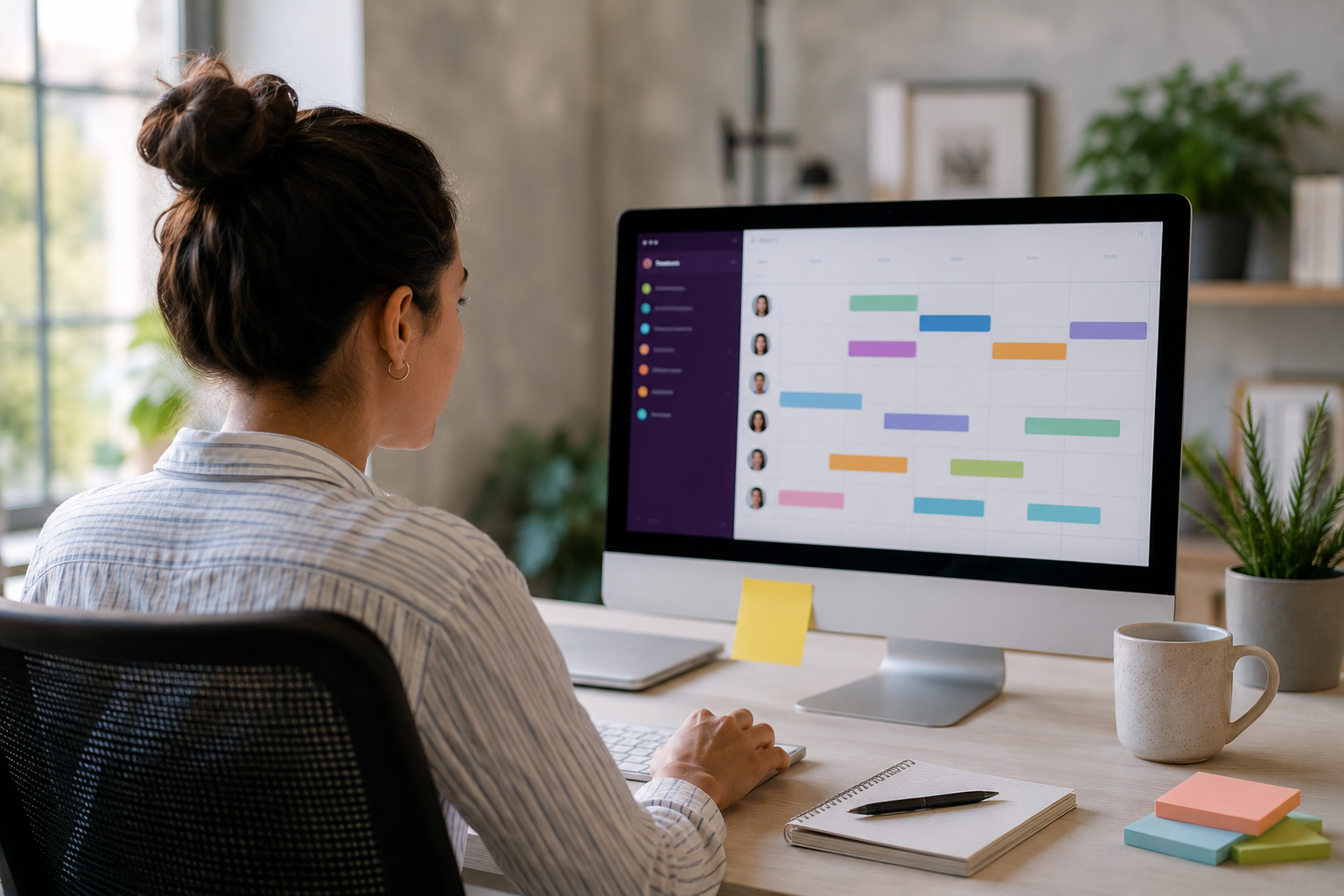
Before committing to a project deadline or a client deliverable, managers need to know how many of their team members will be available on which days. Leave management software that provides a calendar view or a capacity dashboard — showing who is in, who is out, who is on a partial day — makes planning significantly more accurate.
Leave balance tracking that employees can self-serve
Employees should be able to check their remaining leave balance without asking HR. When balance information is easy to access, employees use their leave appropriately and managers spend less time answering the same question repeatedly.
Integration with time tracking
Leave and time tracking are two sides of the same capacity question. If your time tracking software does not know someone is on leave, the daily report will show them as absent without explanation, capacity calculations will be wrong, and project planning will be built on inaccurate data. Software that connects leave to time tracking — so approved leave automatically accounts for itself in working hour records — saves significant administrative reconciliation.
How to manage team leave in Slack
Managing leave in Slack means the entire leave workflow — request, approval, notification, and balance update — happens within Slack without requiring a separate system login.
The workflow:
-
An employee needs time off. They open the leave management tool within Slack — in Time Bot’s case, the Leave tab in the app — and submit a request specifying the leave type, dates, and an optional note.
-
The designated approver receives a Slack notification immediately. They review and approve or decline directly from Slack, with an optional message if declining.
-
If approved, the employee receives a Slack notification confirming the dates. The leave appears on the team calendar. If the team uses time tracking, the approved leave days are reflected in the working hours records automatically.
-
On the days of the leave, the team member’s Slack status updates to show they are out, and the daily report (if using Time Bot) reflects their absence without requiring manual adjustment.
This is faster than email leave requests (no waiting for someone to open their inbox), more reliable than informal Slack messages (a proper record exists), and significantly less friction than requiring employees to log into an HR system they visit twice a year.
What Slack-native leave management does not replace:
Complex HR functions — disciplinary processes, performance management, payroll integration, compliance documentation for regulated industries. For teams that need those, a dedicated HR platform with Slack integration is the right answer. For teams that primarily need reliable, visible, easy-to-use leave tracking, a Slack-native tool is both sufficient and better.
Time Bot leave management — the complete walkthrough
Time Bot includes a leave management system built into the same Slack app as the time tracking. The same tool that tracks /t task during working hours manages who is on leave and who is available.
For employees — submitting a leave request:
Open Time Bot in Slack and go to the Leave tab. Select the leave type (vacation, sick, personal, etc.), choose the start and end dates, add a note if relevant, and submit. The request goes immediately to the designated approver with a Slack notification.
For managers — approving or declining:
Time Bot sends a Slack notification when a leave request is submitted. The notification includes the employee’s name, leave type, dates, duration, and any note they added. Approve or decline directly from the notification. If declining, you can add a reason that the employee will see.
What happens after approval:
The employee receives a Slack confirmation. The dates appear on the team leave calendar. Time Bot marks those days in the working hours records — so the daily email report correctly shows the team member as on approved leave rather than absent without explanation.
Balance tracking:
Each leave type has a configured annual entitlement. Approved leave deducts from the balance automatically. Employees can see their remaining balance in the Leave tab at any time without asking anyone.
Calendar visibility:
The leave calendar shows all upcoming approved leave across the team, filterable by person or leave type. This is the view managers use when planning capacity before committing to deadlines.
Leave types and how to configure them
Most teams need at least four leave types. Time Bot allows you to define as many as needed, each with its own settings.
Vacation / Annual leave The standard entitlement — typically 20–30 days per year depending on country and contract. Configured with an annual allowance that resets at the start of each year (or on the employee’s anniversary date, depending on company policy). Usually requires manager approval before the leave is confirmed.
Sick leave Typically taken at short notice and without advance planning. Some teams configure sick leave to auto-approve (or not require formal approval) to reduce the friction of calling in sick. Balance may or may not have a cap depending on policy.
Personal days Flexible days for appointments, life admin, or anything else. Often a smaller annual allowance (3–5 days) and may auto-approve or require manager confirmation.
Parental leave Typically a longer block, configured separately with its own entitlement and approval process. The dates are usually known well in advance and require coordination with HR for any statutory pay components.
Unpaid leave Leave taken beyond the paid entitlement. Requires explicit manager and often HR approval. Does not deduct from a balance but still needs to be recorded for accuracy.
Public holidays Not a leave type in the traditional sense — employees do not request them. Configured separately as company or country-specific holidays that are automatically excluded from working day calculations. Critical for distributed teams with different national holiday calendars.
Company holidays — setup and management
Company holidays are non-working days that apply to all or some employees — national public holidays, company-wide closure days (Christmas week, for example), or regional holidays that apply to specific offices.
In Time Bot, company holidays are configured in Settings. You can add holidays individually — name, date, applicable group — or import a country’s public holiday calendar as a starting point and then customise.
Why this matters for distributed teams:
A team with members in the UK, US, and Germany has three different national holiday calendars. A leave system that does not know this will calculate UK Bank Holiday Monday as a working day for the UK team member, which skews their leave balance, the daily reports, and capacity planning for that week.
Time Bot allows you to configure different holiday calendars for different team members based on their location. A UK employee’s August bank holiday appears automatically as a non-working day in their record. Their US colleague’s Columbus Day does not. Each person’s leave calculations reflect their actual working calendar.
Company-wide closure days:
Days when the whole company is closed — a summer Friday programme, the week between Christmas and New Year — can be added as company holidays that apply to everyone simultaneously. These do not consume individual leave entitlement; they are simply non-working days in the system.
Leave reports and analytics
Leave reporting gives managers and HR the data to manage capacity, identify patterns, and ensure compliance with statutory requirements.
What Time Bot’s leave reports show:
- Who is on leave on any given day or period
- Remaining balance for each employee by leave type
- Total leave taken by person and by team over any date range
- Upcoming approved leave across the team — forward-looking capacity view
- Historical leave records exportable to CSV
Useful reporting views:
Monthly capacity view — before committing to project timelines or client deliverables, filter the leave calendar for the relevant month and see which days have significant team absences. A sprint that starts the week after three of your five team members are back from holiday needs different planning than a sprint in a week when everyone is in.
Leave balance audit — at end of quarter or year, check who has significant unused leave. Teams where most employees are carrying forward large balances have a culture or workload problem worth examining. Teams where no one takes leave are a burnout risk regardless of balance.
Sick leave patterns — without becoming surveillance, being aware of absence patterns (a team member who takes sick leave every Monday, a cluster of absences across the team during a difficult period) gives managers useful context for wellbeing conversations.
Vacation tracking and time tracking — why they belong together
Leave and time tracking answer the same underlying question from different directions: how is the team’s time being used?
Time tracking tells you how working hours are distributed across projects and tasks. Leave tracking tells you which hours are not working hours at all. Without both, neither picture is complete.
The practical problem without integration:
A time tracking report that shows a team member logged 32 hours in a week where they took Friday off is not wrong — they may have worked a long week — but the context is missing. A manager reviewing the report cannot tell the difference between “worked hard all week including some overtime” and “took approved leave but only 32 hours got logged for some reason.”
When leave and time tracking are integrated, the daily report correctly shows: Monday–Thursday logged normally, Friday marked as annual leave. The week’s picture is complete and accurate without manual annotation or explanation.
Capacity planning that is actually accurate:
Before assigning work for the next two weeks, a manager using both Time Bot’s time tracking and leave management can see: how many hours does each team member typically log per week, and which of those weeks have approved leave reducing their availability. Committing to a deadline based on “the team has two weeks” when two of those weeks have three days of leave between four people is a planning error that integrated data prevents.
Add Time Bot to Slack — 7-day free trial →
Common leave management problems and how to avoid them
Informal leave requests that never get recorded
“Can I take next Friday off?” in a Slack direct message gets an informal yes, the manager forgets, and the leave never appears in the system. The fix: make the formal request process easier than the informal one. When submitting a leave request in Time Bot takes 30 seconds in the same Slack workspace, people use it.
Holiday balances that nobody trusts
If the leave system’s balance numbers do not match what employees think they should be, people stop trusting it and start tracking their own leave separately. The fix: ensure every approved leave is recorded promptly and the system’s annual entitlement configuration matches the actual employment contracts.
No visibility into team availability before deadlines
Managers commit to a project timeline, a team member is on approved leave for the final week, and the deadline is missed. The fix: a forward-looking leave calendar that is visible to managers before commitments are made. Check it as a standard step in project planning, not as a discovery after something has gone wrong.
Different rules for different people, applied inconsistently
Senior employees get informal flexibility that junior ones do not. Remote employees are held to stricter leave tracking than office-based ones. These inconsistencies create resentment and legal risk. The fix: a formal leave management system applies the same process to everyone — which is both fairer and legally safer.
Leave that falls during a project critical path without warning
A team member on a critical deliverable submits a leave request that was approved months ago, and the project manager finds out the week before. The fix: calendar integration and team visibility. When upcoming leave is visible to the whole team — or at minimum to the project manager — there is time to plan around it.
FAQ
What is vacation tracking software? Vacation tracking software is a digital system for managing employee leave — requests, approvals, balance calculations, company holiday configuration, and reporting. It replaces manual processes (email requests, spreadsheet calendars) with an automated workflow that keeps accurate records and gives managers visibility into team availability. For Slack-first teams, vacation tracking software that integrates directly with Slack is more effective than a standalone system because requests and approvals happen where the team already communicates.
How do you track employee vacation in Slack? To track employee vacation in Slack, use a leave management tool with a native Slack integration. Employees submit leave requests from within Slack, managers approve or decline directly from Slack notifications, and approved leave appears on a shared team calendar. Time Bot includes leave management alongside time tracking, so requests, approvals, and leave records all live in the same Slack app without requiring a separate system.
What is the best leave management software for small teams? For small teams using Slack, the best leave management software is one that integrates natively with Slack and does not require a standalone HR platform. Time Bot is designed specifically for this — leave requests and approvals happen in Slack, company holidays are configured per team member location, leave balances are visible to employees without asking anyone, and approved leave is reflected in time tracking records automatically. At $1 per user per month (minimum 5 users), it is sized appropriately for small teams.
How do you manage team leave for distributed teams? Managing leave for distributed teams requires: a system that is accessible without being in an office, timezone-aware holiday configuration (so UK bank holidays apply to UK team members but not to US ones), async approval workflows that do not require manager and employee to be online simultaneously, and a forward-looking calendar that shows team availability across timezones. Time Bot handles all of these within Slack, with per-user timezone configuration and per-country holiday calendars.
What is the difference between vacation tracking and time tracking? Vacation tracking records when employees are not working — leave days, public holidays, absences. Time tracking records how working hours are spent — which tasks and projects. They answer complementary questions about the same underlying resource: how is the team’s total time being used? When both are integrated — as in Time Bot — working hours and leave records give a complete and accurate picture of team capacity rather than two separate, partial views.
How does leave management connect to payroll? Most leave management tools, including Time Bot, produce records and CSV exports that can be shared with payroll. Approved leave records show which days were taken, which leave type was used, and what the remaining balance is — all the information a payroll provider needs to process leave correctly. For payroll integrations, check whether your payroll system accepts CSV imports or has a direct API connection to the leave management software you choose.



 Daily Stand-up in Slack: How to Run Async Standups That Actually Work